

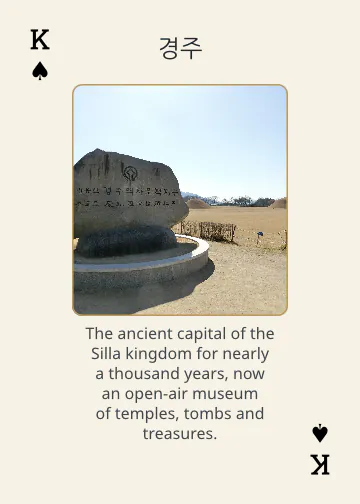
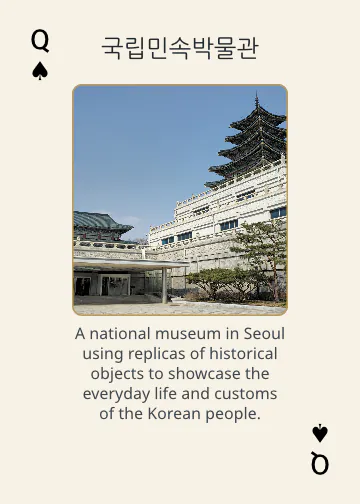
Researched
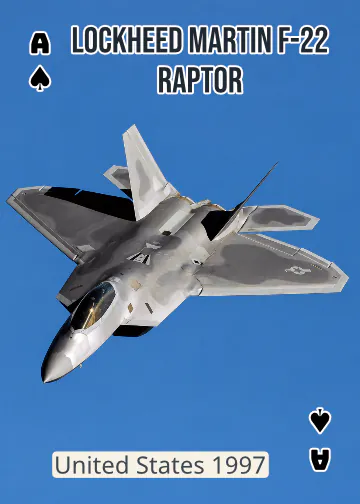
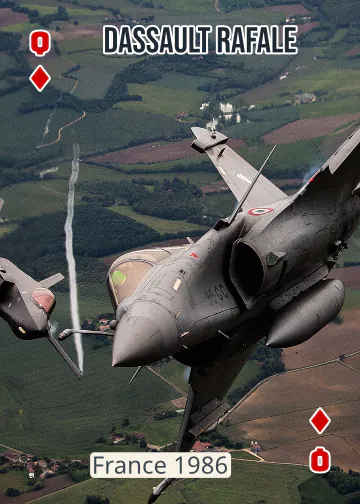
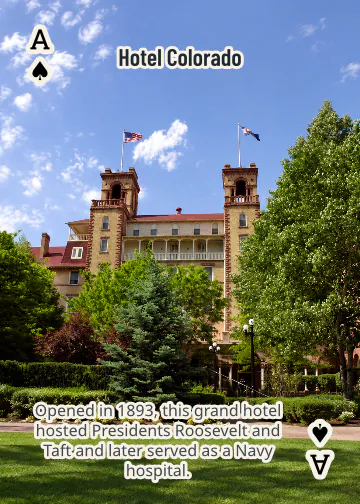
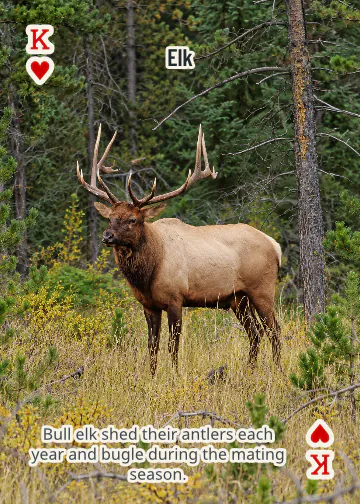
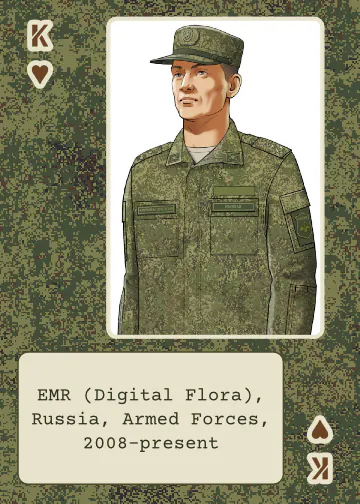
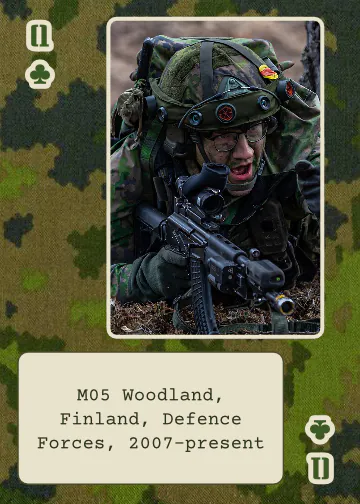
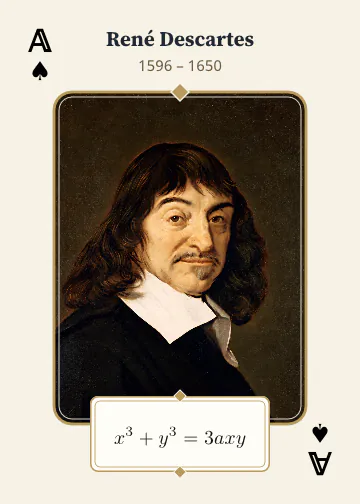
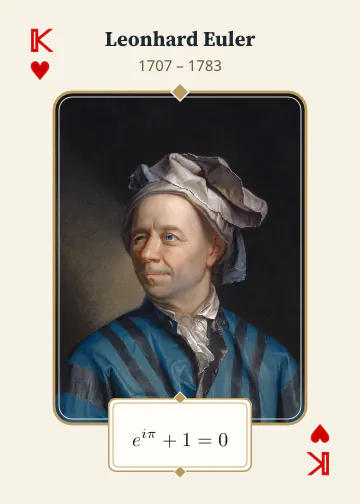
Each subject is researched from Wikipedia and around the web. Bowerjack keeps the pages it used, so each card can be traced to its sources, and a card can show a description, a date or any other fact you ask for.
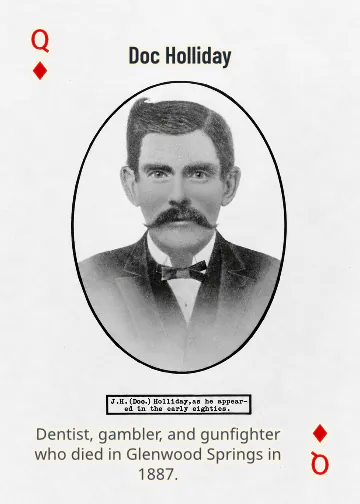
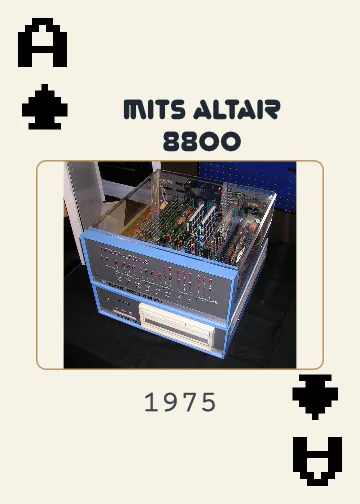
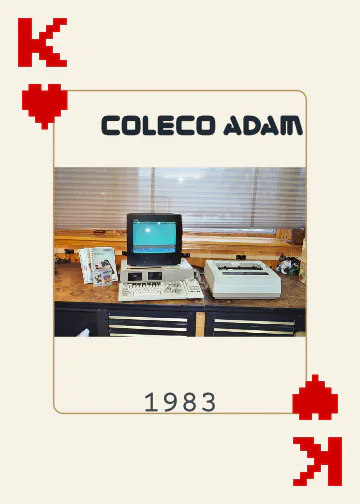
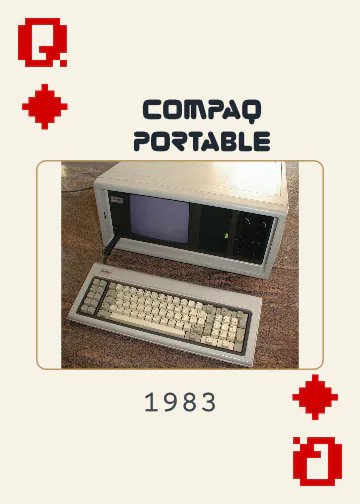
Pick a theme: military aircraft, the springs of a mountain town, the computers of the 1970s. Bowerjack Studio researches each subject, finds pictures you may print and checks their licenses, then lays out the cards for you to style and refine, with your AI assistant or by hand. Download print-ready files to make at home or send to a card maker.
Bowerjack is in beta: signing up needs an invite code. While it is in beta, we may reset it, and a reset deletes every deck. Your account and sign-in are kept.
Each subject is researched from Wikipedia and around the web. Bowerjack keeps the pages it used, so each card can be traced to its sources, and a card can show a description, a date or any other fact you ask for.
Each picture's license is checked to make sure it may be printed on a card, and its license holder is credited as the license asks, such as CC BY. When no picture fits, your assistant can make one from the deck's own pictures.
Every card is a page of one document in Studio's vector editor: styles, swatches and fonts across the whole deck at once, or one card at a time. Crop and resize each picture, or extend it to the card's edge with Generative Fill.
You download the deck, prepared for how it will be printed:
Bowerjack prepares the files only: it does not print, ship or take orders.
Each step has a guide on the Help page.